
present4D Studio
Single Lesson or Full Educational Series in 360°.
AI-preproduced. Quality-assured.
present4D Studio transforms your content into interactive 360° learning modules. AI preproduces, your team reviews and approves – in the browser, on mobile devices and in VR when deeper immersion adds value.
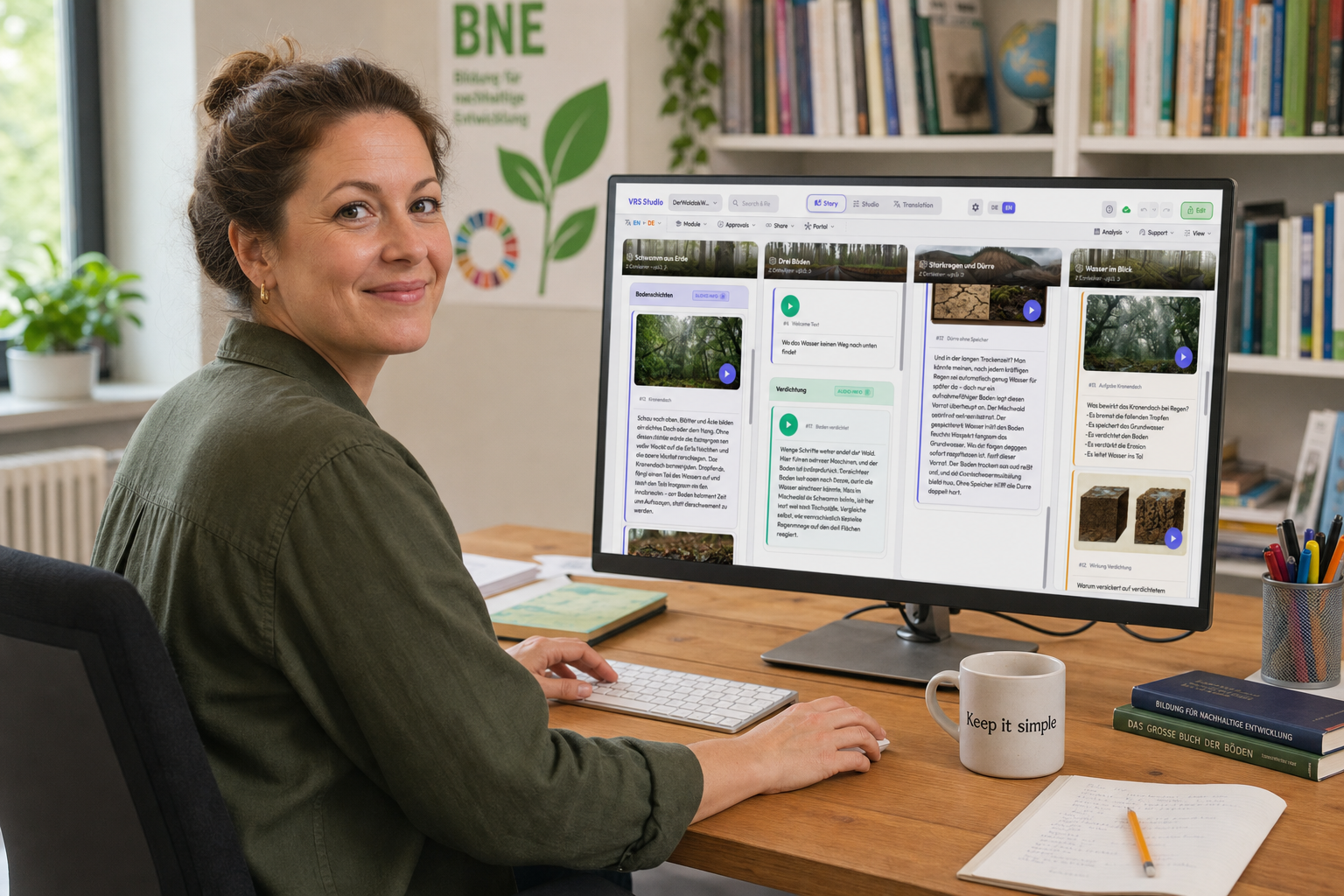
Too Little Content for the Digital World.
The demand for immersive learning content is growing – but production is too slow, too expensive and not scalable.
The Problem
Weeks per module. Expensive specialists. No scalability. Existing content sits unused in documents and presentations.
The Solution
AI preproduces concepts, texts, panoramas, images and voice output. Your team reviews, refines and approves – with a professional approval workflow. Teachers can also use the results directly in their own lessons.
The Result
Multilingual in 30+ languages. In the browser, on laptops, smart devices, digital boards and VR headsets. Online and offline. Convert existing content or generate entirely new.
What present4D Studio Can Do.
AI Module Builder
Describe your topic – the AI creates a complete 360° learning module.
- Convert existing content or generate entirely new
- Series production: create entire series in one go
- Reproducible: configure once, apply as many times as needed
Kanban Editor
Scenes as columns, content as cards – clear as a Kanban board, powerful as a CMS.
- Every editor can start working productively right away
- Multiple authors simultaneously, without conflicts
- Undo changes at any time
AI Translation into 30+ Languages
Subject-specific and audience-appropriate – formal for authorities, accessible for trainees.
- Translate entire project at the push of a button
- Audience-appropriate: from primary school to academics
- Consistent technical terminology across all modules
Professional Voice Output
Natural-sounding AI voices in all languages. Voice all texts at the push of a button.
- Custom pronunciation rules for technical terms
- Multiple speakers for lively modules
- Full control over emphasis and speaker selection
Quality Assurance & Approval
AI preproduces – your team has the final say. Multi-stage approval workflow.
- Four-eyes principle: approval for visuals, didactics, translation, voice
- All changes versioned and traceable
- Including plain language and accessibility
Available Everywhere
Laptops, tablets, smartphones, digital boards and VR headsets. Online and offline – no installation required.
- Laptop & tablet: the same spatially and didactically designed content directly in the browser
- VR headsets: fewer external distractions, stronger presence and more protected practice
- Offline-capable: no internet needed at the point of use
Import Approved PDFs
Approved texts and images are distributed into the learning module. Text deviations remain visible and controllable.
Output formats
One Learning Module. Many Ways to Use It.
A learning module works where learning happens: in the browser, in the LMS, on paper and, for deeper immersion, in VR.
Learning module
Web Player (accessible)
In the browser, on smart devices and digital boards. With accessibility features for inclusive lessons without VR headsets.
H5P
As an exchange format for Moodle and LMS. Easy to integrate into existing learning platforms.
Worksheets
Tour content as printable material: tasks, quiz and answer sheet for teachers.
E-Book
The module as EPUB. A familiar format for text, review and sharing.
Audio Podcast
Listen to all spoken texts in chronological order. Useful for preparation and review on the go.
VR Headsets (VR-Suite 3)
For especially focused and immersive learning phases: the headset strengthens the sense of presence, reduces external distractions and can lessen immediate observation pressure.
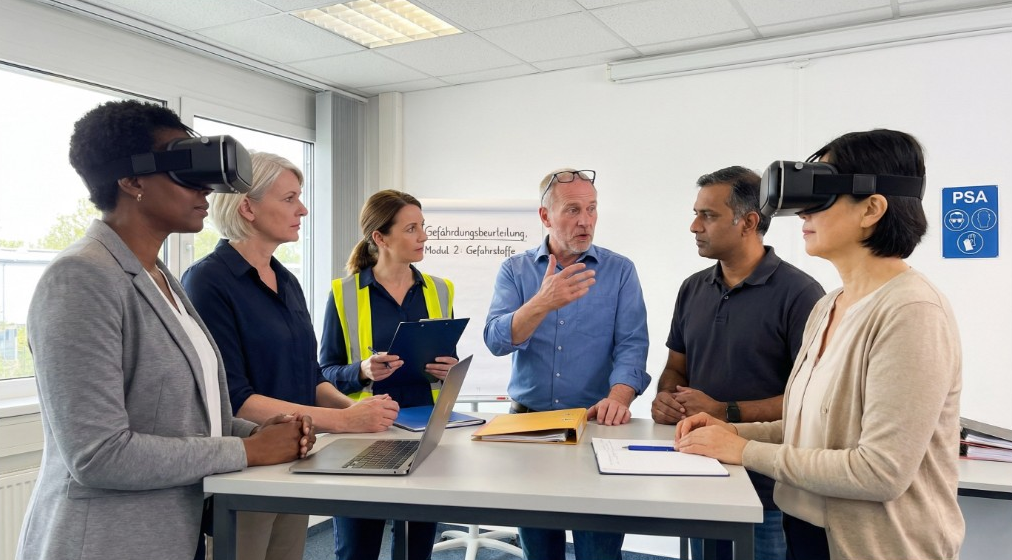
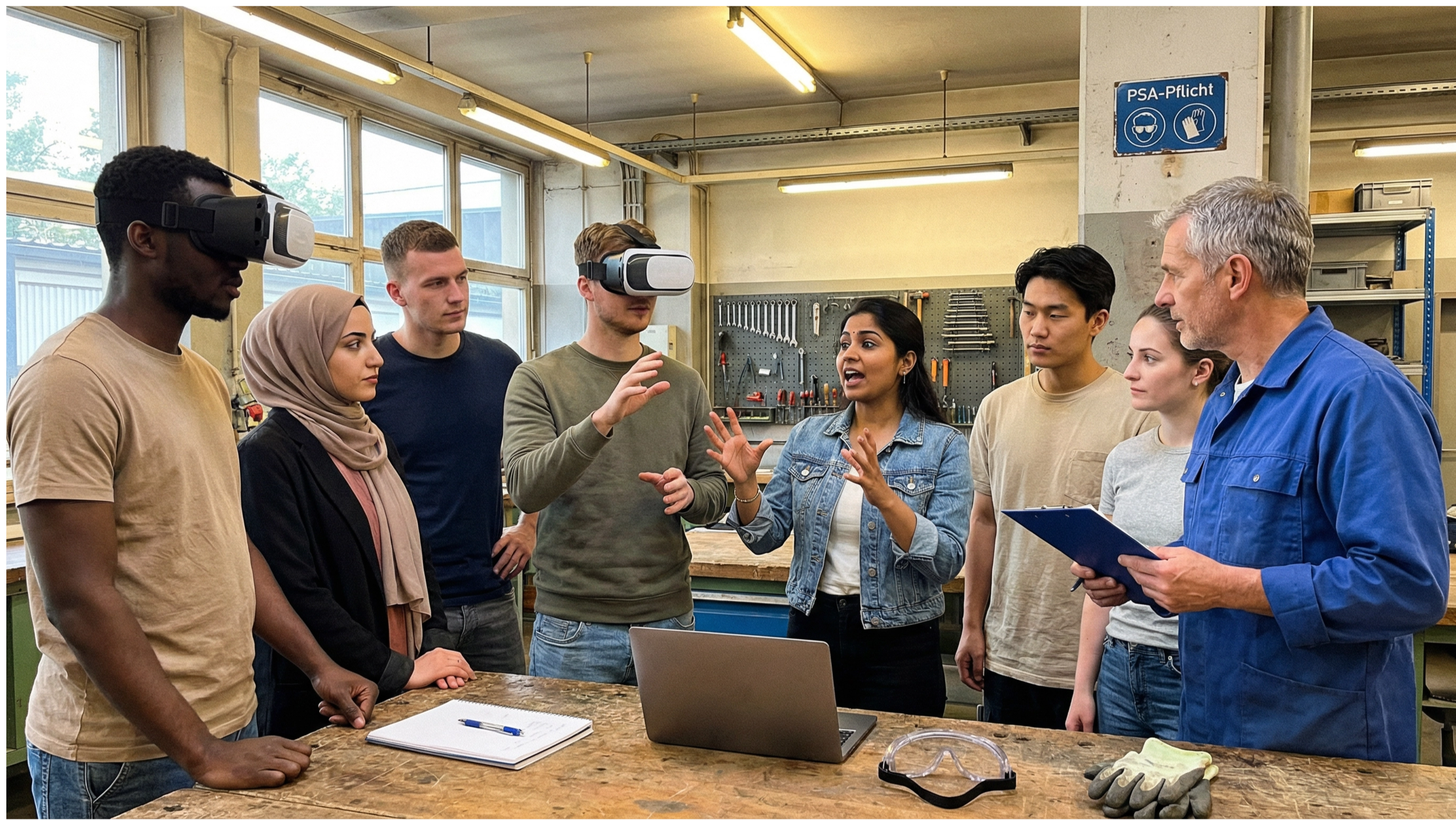
Built for Teaching, Learning and Organizations.
Schools & Higher Education
Create your own 360° learning modules for lessons, project work, higher education and continuing education – without a production studio. AI preproduces; teachers and teams refine content in terms of subject, language and didactics.
- Lesson-ready:turn topics into learning modules, worksheets, web-player experiences and VR sessions quickly
- Adaptable:refine content for class, course, level, language and accessibility
- OER-ready:prepare and share modules as open educational resources
- Ready to use:in browsers, on boards, tablets, laptops and VR headsets
Three Steps to a 360° Learning Experience.
Enter Your Topic
Describe your learning module in a few sentences. The AI understands context, target audience and subject area.
AI Preproduces
Texts, 360° panoramas, images, voice output – the AI creates everything. You review, adjust and approve.
Experience & Distribute
In the browser, on laptops and smart devices. Online and offline, in 30+ languages and accessible. Also available in VR for especially immersive learning phases.
Product overview
Studio in 8 Minutes.
See how a topic becomes a 360° learning experience – from AI-assisted preparation to expert review and distribution.
This video overview is in German.
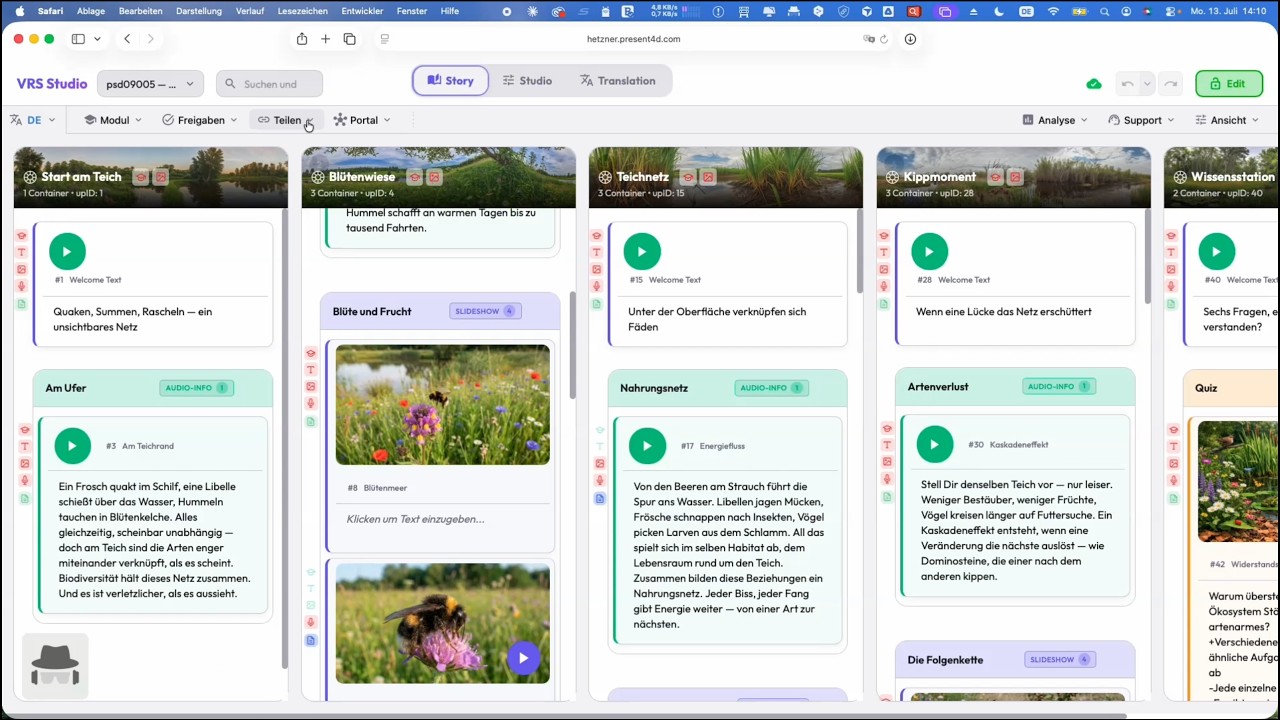 8-minute overviewWatch on YouTube
Opens YouTube in a new tab. Privacy
Created Once. Always Improving.
Your content doesn’t age – it gets better. New AI generation available? All visuals are recalculated at the push of a button. Your content continuously evolves with the technology, with no need for re-production.
Investment protection that thinks beyond today.
Pricing
Calculate the price for present4D Studio.
Choose your audience and volume for a transparent net guide value - not a binding offer.
Transparent pricing
Please make a selection to start the price calculator.
Details
What you get, what is not included - and what you may do with it.
Included in the price
- Software access with all features, including ongoing updates
- Create AI-assisted learning modules
- All modules can be exported as OER (H5P, PDF, ebook)
- Support, learning videos and onboarding material
- Introductory webinars for larger licenses
- Admin portal for license management
- Use in lessons, education and professional training
Not included
- Custom content production by present4D
- On-site training (daily rate on request)
- Custom development
- Custom interfaces
Training, content guidance and custom development are available on request.
Own AI connection(alternative to the AI quota)
On request
You use your own AI services via the included standard interfaces. This includes basic technical configuration, API key and endpoint management, testing, error analysis, basic support and documentation. Custom interfaces are available on request.
What you may do
- Use modules in lessons, education and professional training
- Revise, translate and adapt content
- Export, host and freely share all modules as OER
Excluded uses
- Resale or remarketing of modules
- Passing on a named-user license
- Use outside your organization
Security & standards
GDPR compliant
Hosting at Hetzner in Germany
Accessible
Player following BITV
All devices
VR headset, tablet, browser
Export & reuse
H5P, PDF, Ebook, 360°
How to get started
Choose volume
Choose audience and number of learning modules - the guide price appears immediately.
Consultation
We clarify open questions and prepare your specific, non-binding quote.
Get started
Activation, a short onboarding - and your team creates the first modules.
Contract terms at a glance
- License type
- Per seat (named license)
- Term
- 12 months, renewable
- Price guarantee for the full term
- Billing
- Annual
- Minimum order
- Small starter packages possible
Good to know
Fair and transparent - here are the details if you want to look deeper.
All prices plus VAT. Errors and changes reserved. Individual terms for longer durations or larger volume on request. Enterprise and framework contracts are specified individually.
Ready to Bring Your Content to 360°?
Schedule a personal demo and see what is possible in 15 minutes.
Schedule a Demo